

SET UP YOUR HOME HUB
Wall mount instructions
01
1 of 7
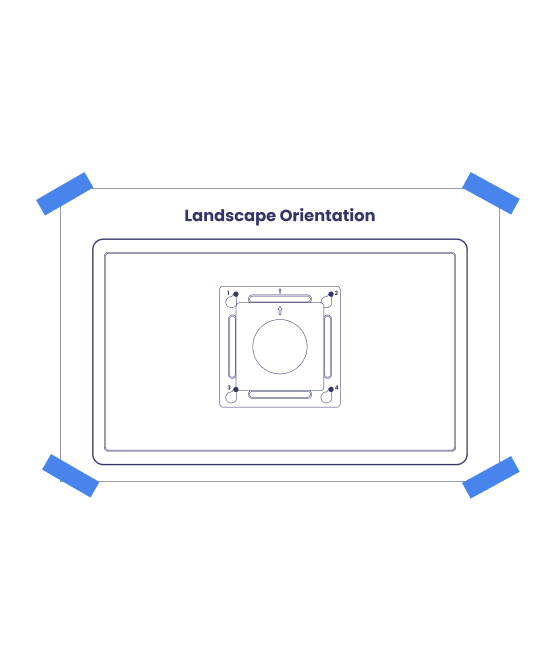
Pick your spot
Tape the mounting paper to the wall to test the placement before drilling. Choose a comfortable height that makes the device easy for everyone, including kids, to see and use.
02
2 of 7
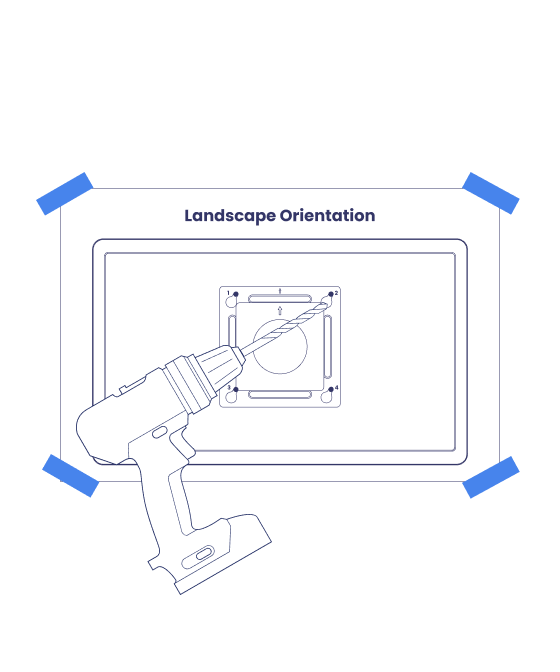
Drill time
Using a 15/64-inch drill bit, drill through the four numbered marks on the mounting paper.
03
3 of 7
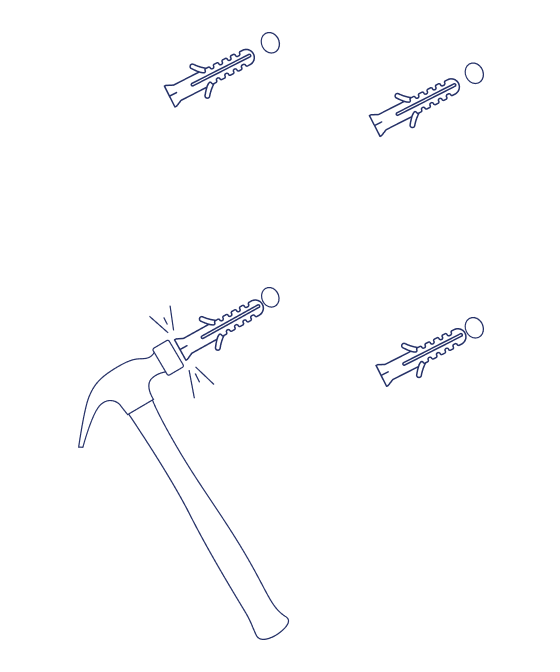
Anchors in
Insert the wall anchors into the holes, then gently tap them with a hammer until each flange sits flush with the wall.
04
4 of 7
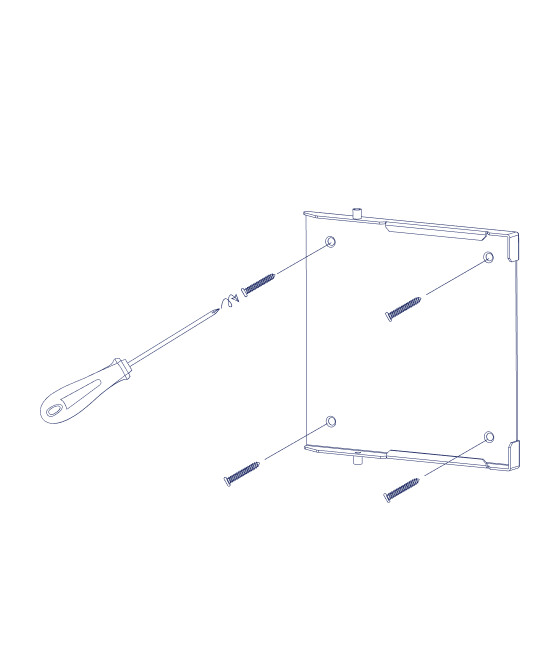
Bracket up
Align the bracket with the wall holes, then insert and tighten the anchor screws.
Wall-anchor tip: Tighten each screw until flush, then exactly 5 more full turns. The anchor expands behind the wall, so count carefully.
05
5 of 7
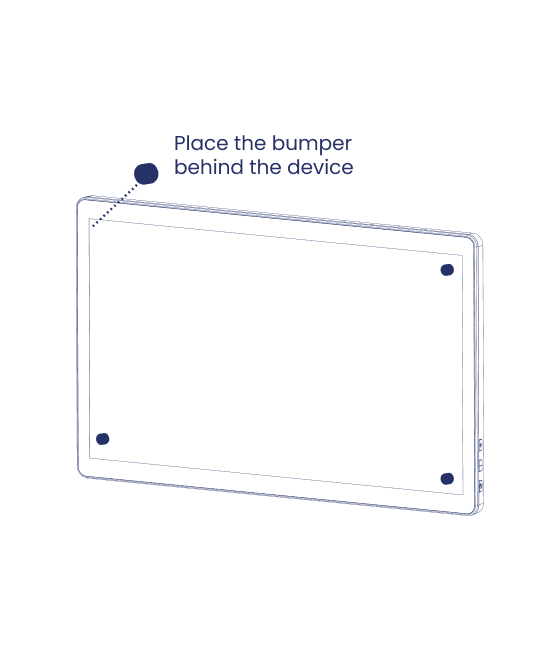
Foam it up
Attach the four EVA foam pads near the corners on the back of the device. Keep them closer to the center, leaving space around the screen edge.
06
6 of 7
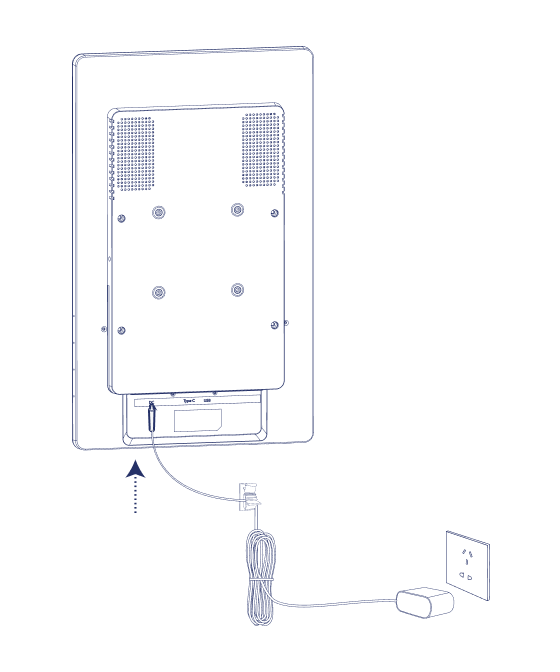
Plug it in
Plug in the power cord before you mount the Home Hub on the wall. The device should power on automatically.
07
7 of 7
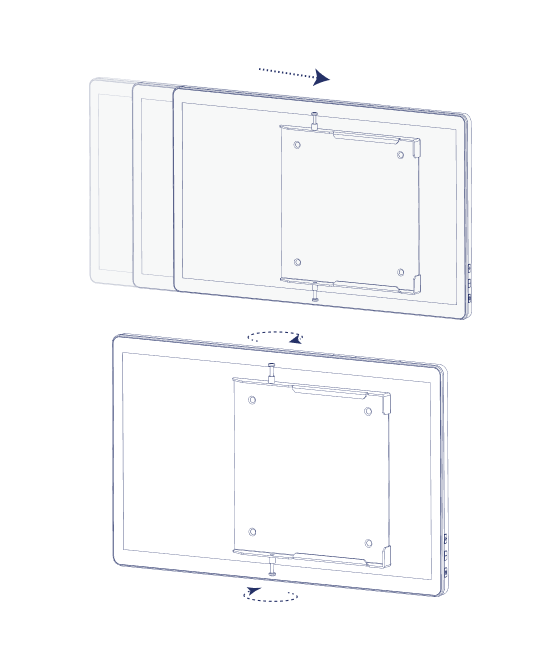
Slide it on
Carefully mount the device on the bracket.
Landscape: slide left to right, then tighten the top and bottom screws (PM4x13mm).
Portrait: slide top to bottom, then tighten the left and right screws (PM4x13mm).